JS and Advanced HTML
Tutorial 06 Working with the Event Model
Learn how to work with the W3C and IE event models to capture and respond to mouse and keyboard events.
Session 6.1 explored the two main event models and examined how events are propagated through the document tree. It also showed how to attach functions to events and how to enable multiple functions for the same event.
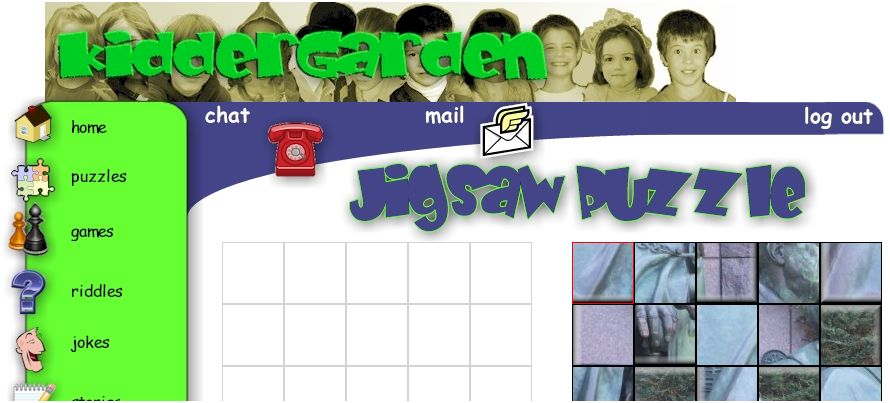
Session 6.2 examined the properties of the event object under both IE and W3C event models. Showed how to extract information about the event from the event object’s properties and how to use this information to create a drag-and-drop effect for a puzzle page.
Session 6.3 showed how to capture and respond to keyboard actions initiated by the user. The session concluded by examining how to halt the propagation of events through the object hierarchy, and how to override a browser’s default response to an event.
| Tutorial |
 |
| Case Study |
 |
| Case Study Solution |
 |