JS and Advanced HTML
Tutorial 05 Forms and Regular Expressions
-
Understand how to reference form element objects
- Extract data from Web form fields
- Create a calculated field
- Understand the principles of form validation
- Perform a client-side validation
- Work with string objects
- Work with regular expressions
- Apply regular expressions to zip code fields
- Validate credit card numbers
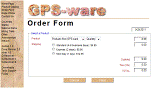
| Tutorial |
 |
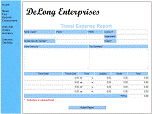
| Case Study |
 |
| Case Study Solution |
|
| Cenage Demo on passing form data. Passes data to demo_form2. |
demo_form1 |
| Regular Expression codes |
demo_regcodes |
| Test regular expressions |
demo_regexp |
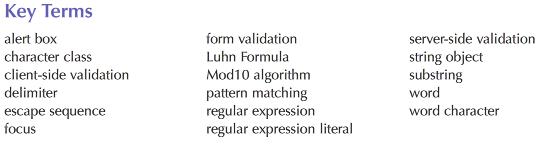
Explored how JS can be used to validate Web forms.
Session 5.1 reference different elements in a Web form, including input boxes, selection lists, and option button groups. Saw how to extract values from form fields and use them to create calculated fields. Also learned about some of the difficulties in displaying numeric values in a Web form and techniques to create nicely formatted output.
Session 5.2 introduced concept of form validation—comparing benefits and costs of client-side and server-side validation. Learned to validate a form before allowing it to be processed, and learned about the properties and methods associated with string objects.
Session 5.3 introduced regular expressions, how to create them and match a wide variety of patterns. Learned the properties and methods associated with regular expression objects. Employed regular expressions to validate sip code and credit card data. Also learned about the Luhn Formula to validate credit card numbers. Concluded with a discussion of passing data from one Web page to another with emphasis on passing field names and values from one Web form to another.