JS and Advanced HTML
Tutorial 04 Working with Objects and Styes
- Learn about objects and the DOM
- Reference document objects by ID, name, and tag
- Work with object collections
- Work with object properties and CSS styles
- Study syntax of object methods
- Apply event handler to an object
- Work with mouse events
- Employ object detection to avoid programming errors
- Create an animation with timed functions
- Explore how to create sliding and tabbed menus
- Retrieve values from a style sheet
Create custom objects
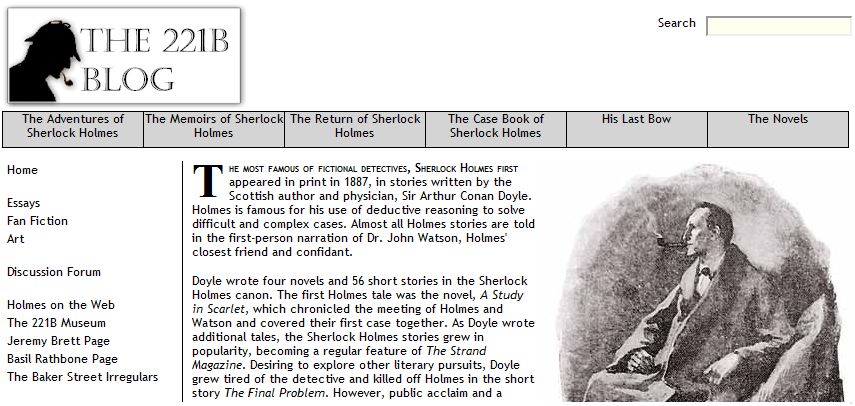
| Tutorial |
 |
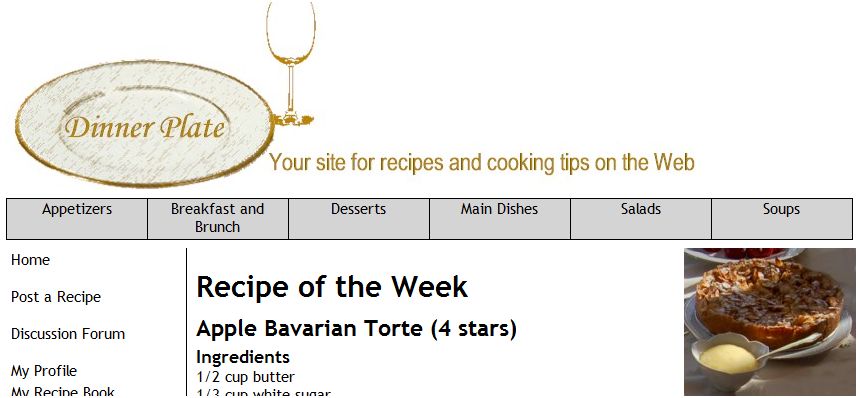
| Case Study |
 |
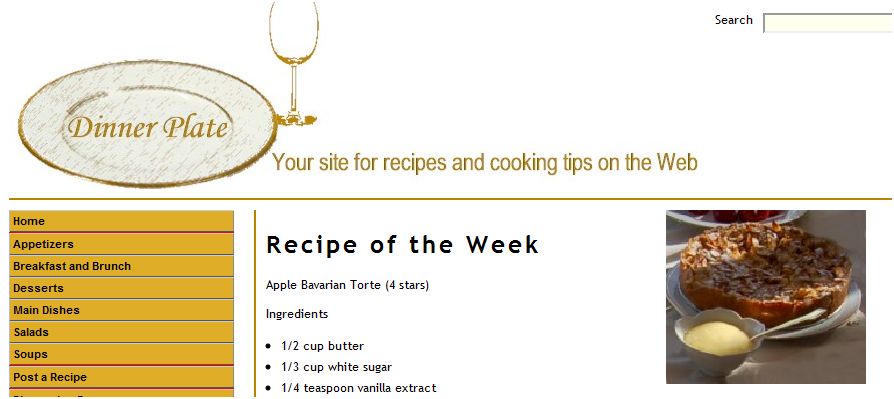
| Case Study Solution |
 |
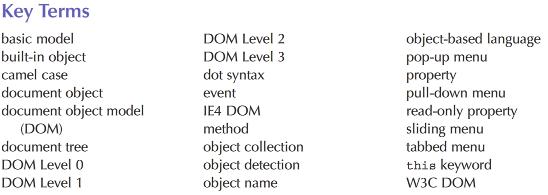
Introduced the concept of the JS object.
Session 4.1 covered fundamentals of objects, including relation of Web elements and features to the document object model (DOM). Examined how to access object collections from the DOM and how to reference Web page elements based on tag name, ID value, and name value. Learned how to create an array of Web page elements all sharing the same class value.
Session 4.2 focused on how to use knowledge of objects, properties, and events to create an interactive pull-down menu system for a Web page. Explored the use of event handlers as object properties and saw how to employ the onclick and onmousever event handlers in a JS program.
Session 4.3 refined the pull-down menu system by adding animation using the setInterval() method and the CSS clip style. Explored how to write code for sliding menus and tabbed menus.